AI old photo restoration online

Restore old photos online: remove scratches and recover clear detail

Upload a faded, scratched or blurry JPG, PNG or WebP. Sign up for one free 1K restoration, recover natural facial detail and color, then download the result.

  • First restoration free after signup
  • JPG, PNG or WebP up to 5MB
  • Download a separate result without replacing the original

Upload now

Upload an old photo and see your first restoration free

No prompt is needed. Upload first, then choose the photo ratio and output detail. Your uploaded photo and settings remain in place when you sign up.

Upload the old photo you want to restore

Upload a JPG, PNG or WebP up to 5MB. Ratio and detail settings appear after upload.

Reference Images(0/1)
Restoration style
First restoration is free (1K)
After that, 1K / 2K / 4K use 6 / 12 / 24 credits

Your first 1K restoration is free after signup and does not use general account credits.

Use a scan or camera copy with a clear subject and complete edges. Severely missing areas are inferred from visible information, so compare the result with the original before downloading.

Before and after

Drag to inspect the restored details

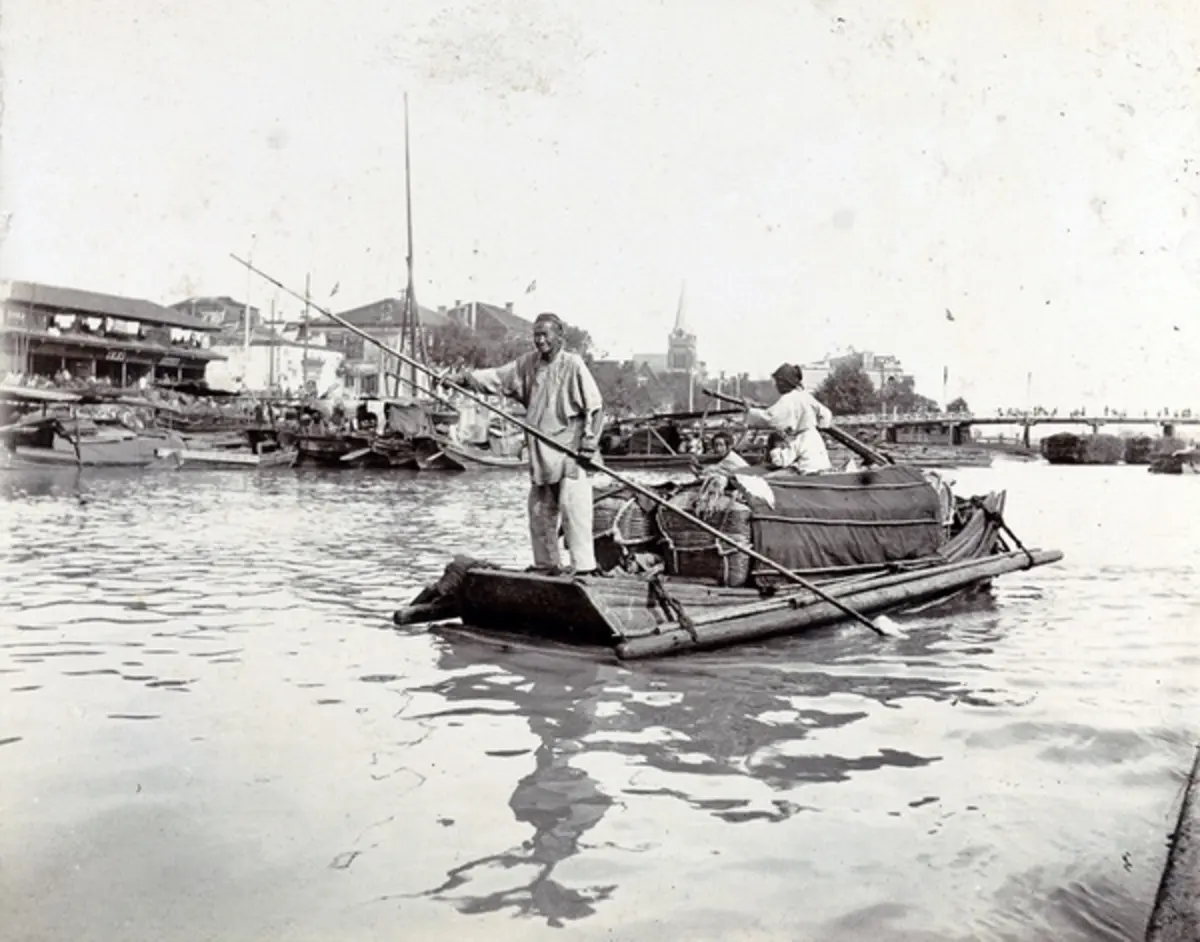
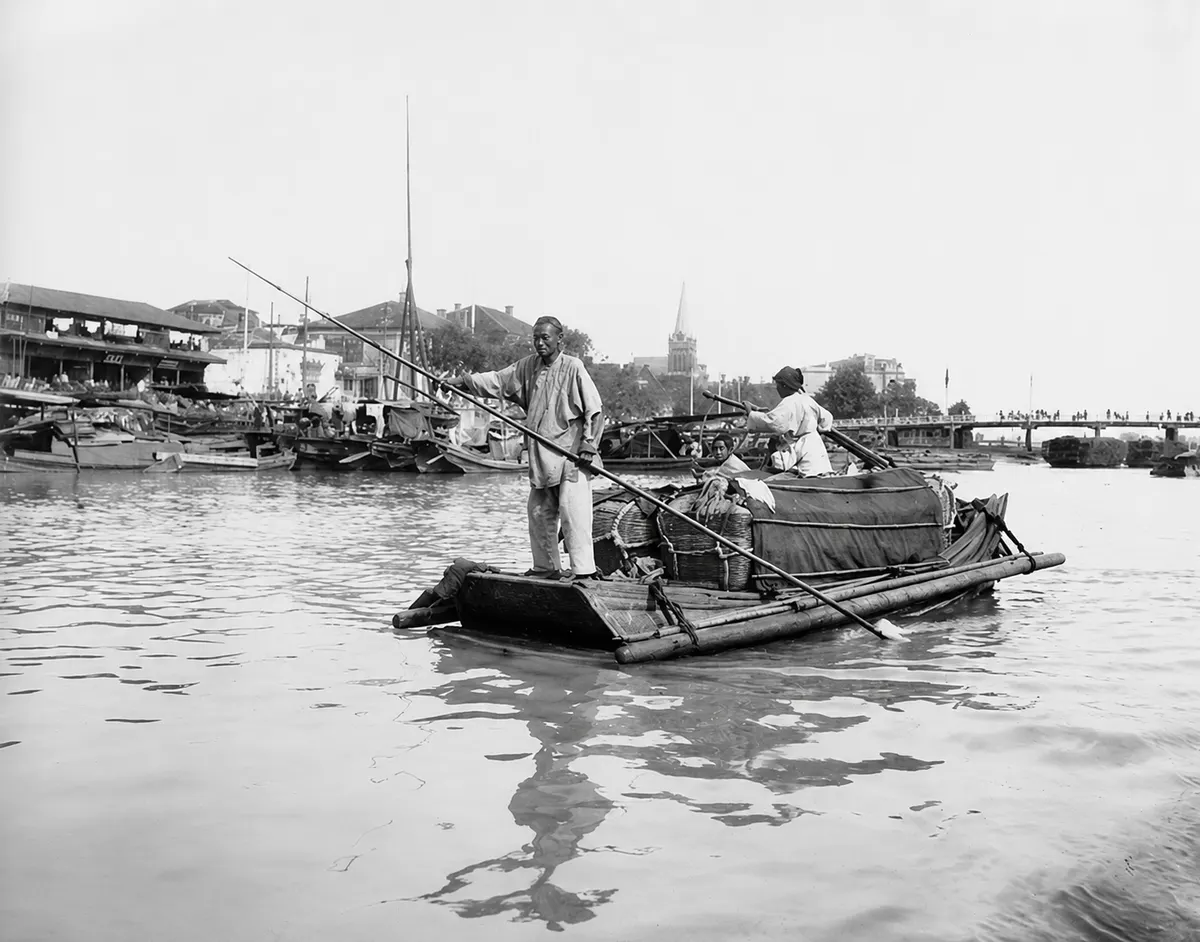
The same vintage harbor photograph demonstrates detail restoration and natural colorization.

Demonstration only. Results depend on the source photo and the severity of damage.

Faded and blurry black-and-white vintage harbor photograph
Restored black-and-white harbor photograph with clearer boats and water
BeforeRestored
1940 → 2026

What it can repair

What can old photo restoration repair?

01

Reduce scratches and dust

Refresh old photographs by reducing surface scratches, dust, mild fold marks, compression artifacts and uneven grain.

02

Make blurry photos clearer

Improve eyes, hair and facial edges while portrait restoration refers closely to visible features in the source photo.

03

Recover black-and-white and faded color

Balance dark areas and color casts so skin, clothing and background tones look more natural. Black-and-white photos can also be colorized.

04

Keep texture easy to inspect

Avoid heavy smoothing and plastic texture so you can compare the face, hands, edges and color with the original.

How it works

Upload, restore, compare and download

  1. 01

    Upload an old photo

    Choose one JPG, PNG or WebP up to 5MB. A straight scan with complete edges gives the tool more useful source detail.

  2. 02

    Generate the restoration

    Choose Restore or Colorize. Your first 1K restoration is free; select 2K or 4K when you need a sharper archive or print file.

  3. 03

    Compare and download

    Check the face, hands, edges and color against the original, then download the restored result as a separate file.

Free first result and clear pricing

Restore one photo free, then choose the detail you need

Your first 1K restoration is free after signup. After that, 1K, 2K and 4K use 6, 12 and 24 credits.

A one-time $15 credit pack includes 120 credits valid for 30 days. Use it only for this tool to complete up to 20 1K restorations.

Buy $15 one-time credits

1K

First free, then 6 credits

Check the result and share online

2K

12 credits

Sharper archive and viewing copies

4K

24 credits

Large displays and larger print work

Check before download

Review these 6 details before using the result

  • 1Does the person still resemble the source photo?
  • 2Do the eyes, teeth and hands look natural?
  • 3Are scratches and fold marks visibly reduced?
  • 4Do hair, clothing and background edges look normal?
  • 5Are skin tone and overall color believable?
  • 6Did a severely missing area receive an implausible reconstruction?

Frequently asked questions

Old photo restoration questions

Start restoring

Upload one old photo and see your first restoration free

Use the clearest scan or camera copy you have, then compare the restored result with the original.

Upload a photo and restore it free